International Day of Persons with Disabilities (Dec 3): self-advocacy word cards, a break board, and a “what helps me” page
The International Day of Persons with Disabilities is Thursday, December 3, 2026. The United Nations theme this year is "The CRPD at 20: Building on Progress, Advancing the Future." It marks 20 years since the Convention on the Rights of Persons with Disabilities was adopted. One focus of this year's UN event is accessible information and inclusive communication. The following week, December 7-11, is Inclusive Schools Week, with the theme "Together We Learn."
Many classrooms mark these days with books and conversations about disability. Special education teachers often add something practical: self-advocacy. That means a student can let others know what they need, in whatever way they communicate. It can be as small as asking for help or asking for a break.
This post shows a short, low-prep plan for that week using real printable SkillSprout pages. The pages are plain and simple. There are no holiday or awareness-day pictures on them.
Step 1: Four words that get a student what they need
Start with a small set of request words. Four is plenty for one week: help, break, more, stop. The word card maker turns your list into large cutout cards, four to a page.
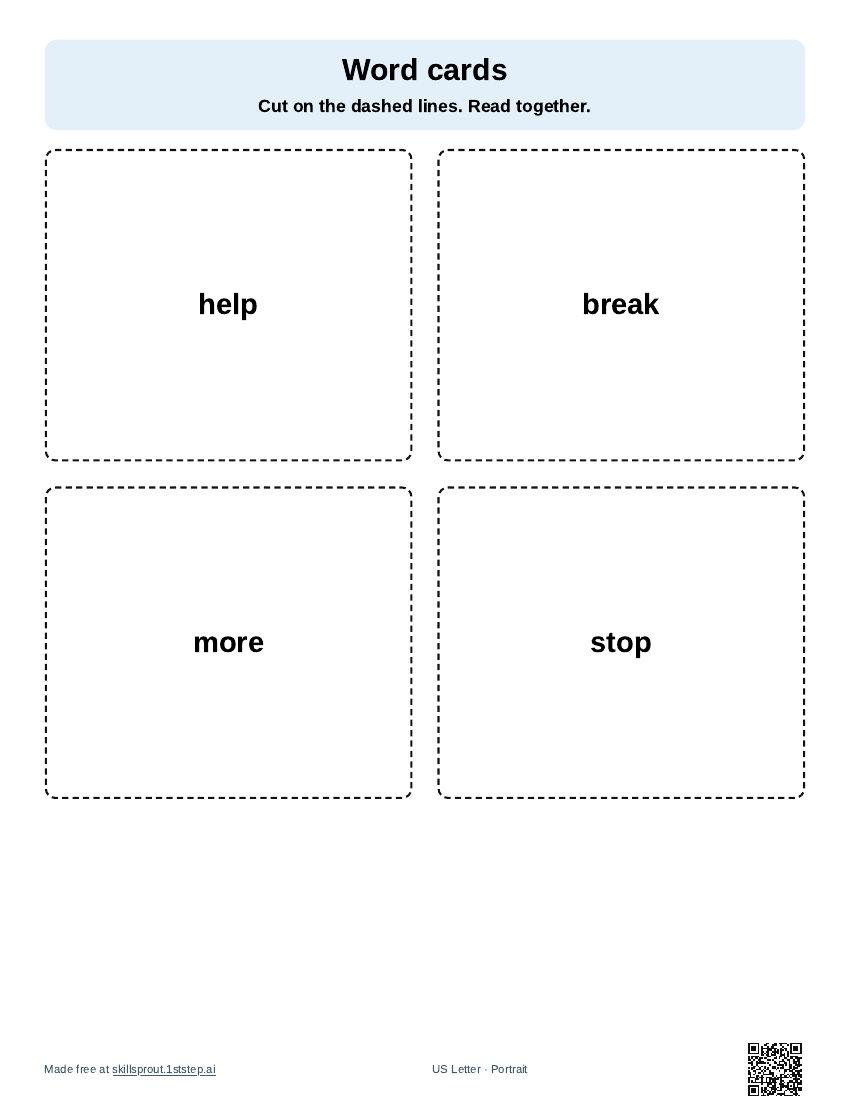
Pictures appear only when a word matches the app's small local picture set (mostly objects like apple, book, and bus). These four request words had no match, so they print as large, clear text. If your students use picture symbols, signs, or an AAC device, glue or draw the matching symbol on each card so the card matches the way the student already communicates.
Ways to use the cards:
- Keep a set on each desk or on a ring at the table.
- Model each card many times a day: "I need help." Then help right away, so the card works.
- Practice in short role-plays. A peer or adult sets up a small problem (a lid that will not open, a page that is too hard). The student hands over or points to a card.
- Honor the request every time you can. If the answer has to be "not yet," show when it will happen.
For students who are ready to write the words, the read, copy, write maker uses the same word list on a page with Copy and Write spaces.
Step 2: Show that a break is coming
Asking for a break is easier when a student knows a break is part of the plan. The first / then board maker prints a large two-picture board. Here it is set to First: Write, Then: Break.
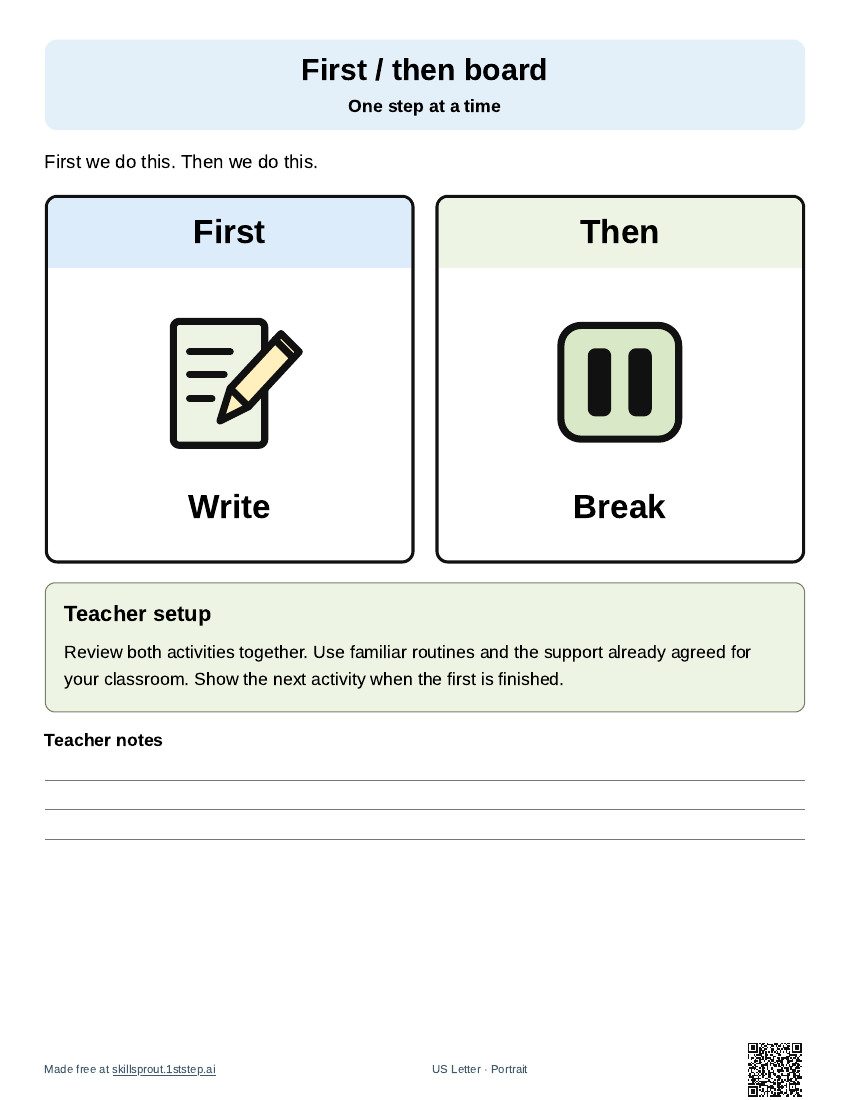
Put the break word card next to the board. When the student is done with the first step, have them hand you the card or point to it before the break starts. That links the word to the result.
The board is a blank classroom planning support. It is not a behavior plan. You pick both activities from the classroom picture set (Read, Write, Math, Snack, Movement, Break, Tidy up, Pack bag).
Step 3: A "what helps me" page
Self-advocacy starts with knowing what helps. The writing organizer maker has a Main idea & details layout. With open space, students can draw, write, dictate, or glue pictures.
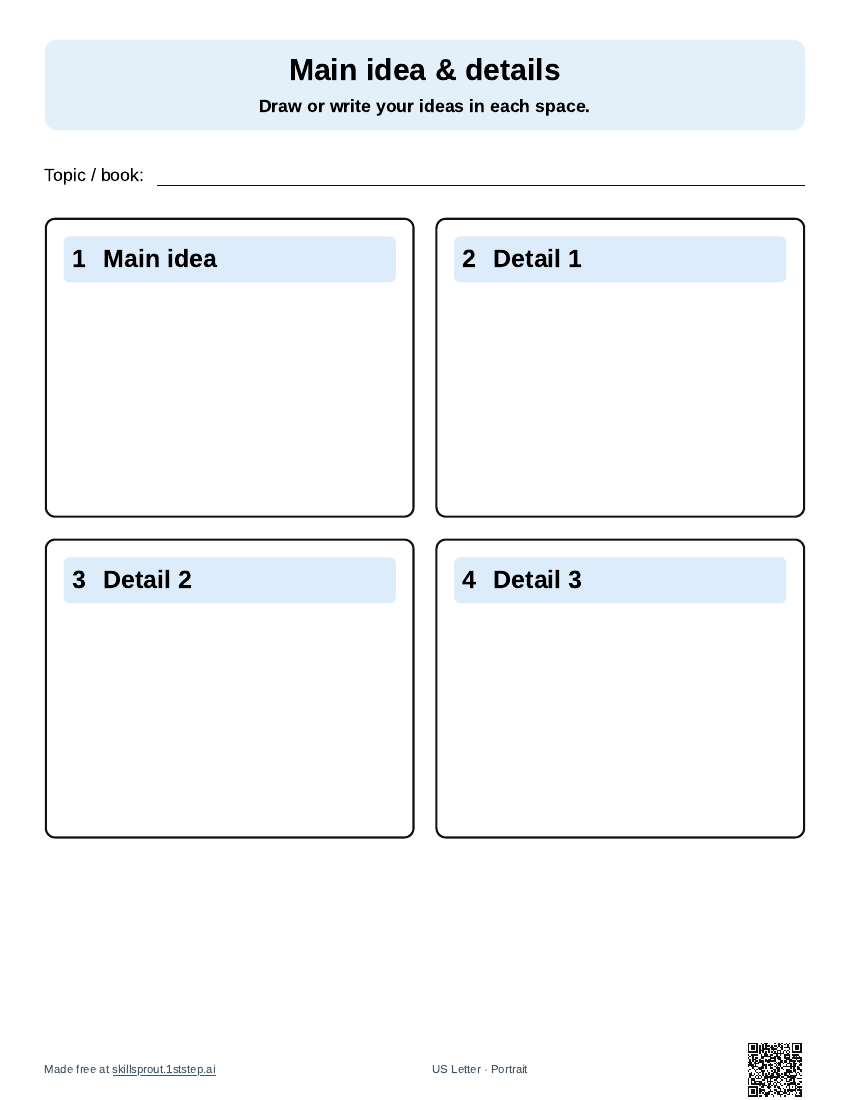
On the Topic line, write "What helps me learn." Then fill in the boxes together:
- Main idea: "I learn best when..." (for example: it is quiet, I can move, I see the steps).
- Detail 1: Something that helps (headphones, a picture schedule, a break card).
- Detail 2: Something that is hard.
- Detail 3: How someone can help me ("Show me." "Give me time." "Ask me to point.").
The organizer prints blank. SkillSprout does not fill it in or save what students write. Students decide what to share, and they do not need to name a diagnosis. Describing what helps is enough. A finished page can be a nice thing to share at a family conference or with a new staff member, if the student and family agree.
Step 4: A guided communication page
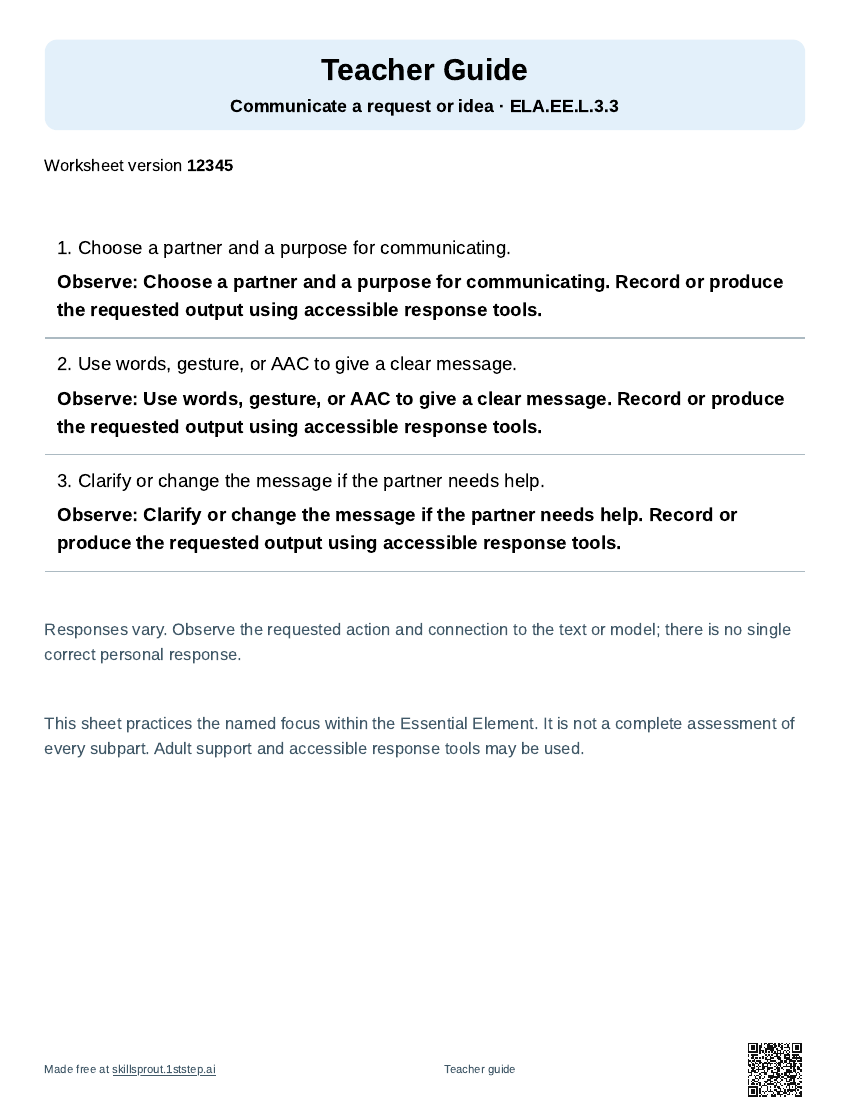
For a short, structured practice with a partner, the Grade 3 Essential Element ELA.EE.L.3.3 reads: "Use language to achieve desired outcomes when communicating. a. Use language to make simple requests, comment, or share information." The Grade 3 communicate a request or idea worksheet is a guided activity with three open steps.
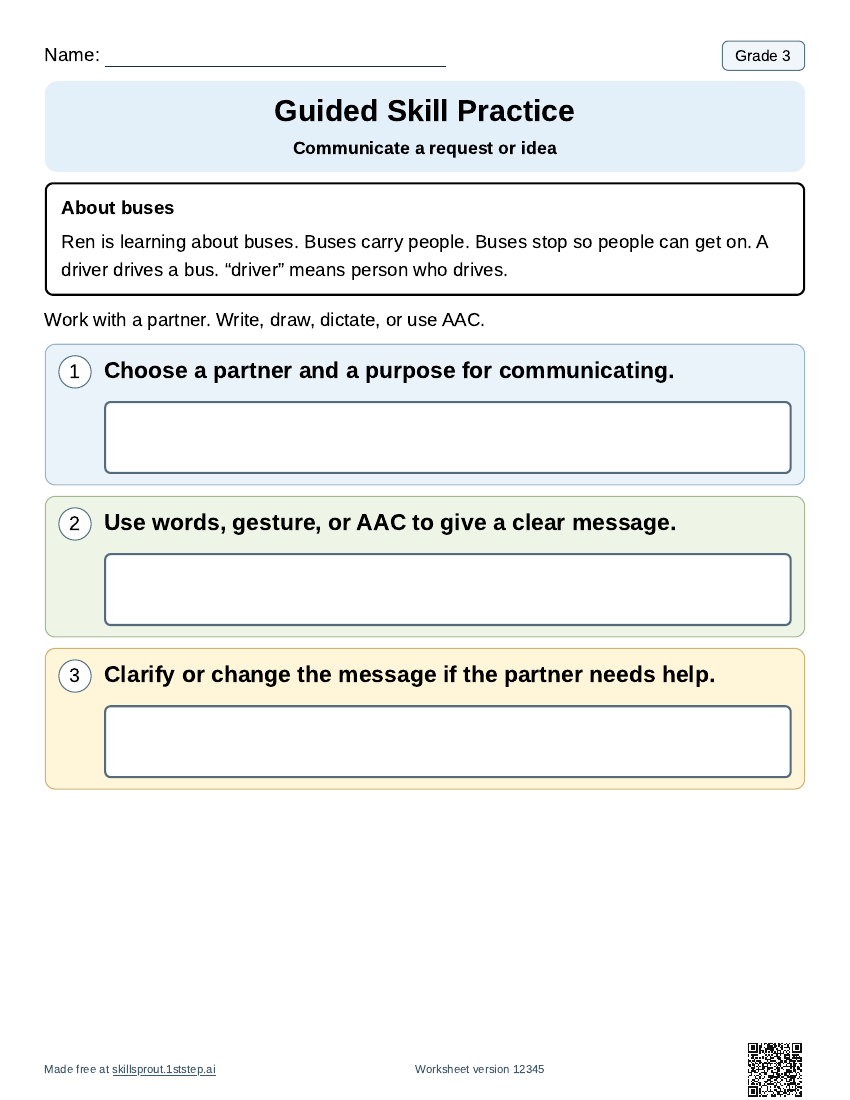
In version 12345, the page has a short passage, "About buses," and three steps:
- Choose a partner and a purpose for communicating.
- Use words, gesture, or AAC to give a clear message.
- Clarify or change the message if the partner needs help.
The passage gives students something to talk about. For this week, you can also make the purpose a real request, using a word card from Step 1. Students write, draw, dictate, or use AAC in the boxes.
This is a guided page, so there is no answer key. A Teacher Guide prints on the next page instead. It notes that responses vary and that there is no single correct personal response.
Younger students can start with Kindergarten practice questions and speaker details, which is built on the Essential Element "Ask for help when needed." A Grade 2 communicate a request or idea page is also available.
A simple plan for the week
- Monday or Tuesday (Nov 30 or Dec 1): Introduce the four word cards. Model each one during normal routines.
- Wednesday (Dec 2): Use the first / then board with the break card during one work time.
- Thursday (Dec 3): Talk about the day in your usual way. Then make the "What helps me learn" page together.
- Friday (Dec 4): Partner practice with the guided communication page.
- Inclusive Schools Week (Dec 7-11): Keep the cards out. Notice and praise every time a student asks for what they need.
Every step works as a short small-group or one-on-one task. Shorten or repeat steps as needed.
Making it work for every student
- Accept every way of asking: speaking, pointing, handing over a card, signing, eye gaze, or an AAC device.
- Start with one card (often help or break) before adding more.
- Practice when the student is calm, not only in hard moments.
- Teach staff and peers to respond to the cards the same way, so the request works with everyone.
How to make these pages
- Open the SkillSprout studio. The studio uses Google sign-in. The worksheet and tool pages linked above are public to browse.
- For the cards, open Teacher tools, choose Word cards & practice, type your words (two to ten words; letters, apostrophes, and hyphens only), and pick cards or read, copy, write.
- For the board, choose First / then board and pick two activities. For the organizer, choose Writing organizer, Main idea & details, and lines or open space. Press Create printable.
- For the guided page, search for communicate a request, pick the grade, and press Generate Worksheets.
- Check every preview, then print or download the PDF.
No student names or information are needed to make any of these pages.