IEP progress report season: a quick skill check, a blank recording sheet, and a progress graph
Mid to late November is progress report season in a lot of schools. Many districts close the first trimester or marking period this month, and IEP progress reports often go home on the same schedule as report cards. Federal rules (34 CFR 300.320(a)(3)) ask each IEP to say how progress on annual goals will be measured and when periodic reports go to families, with reports "concurrent with the issuance of report cards" given as one example. Two 2026–27 calendars show how close that is right now: Bensenville School District 2 in Illinois ended Trimester 1 on November 16 and lists "Trimester 1 Grades, including IEP Goal Updates" as due November 18, and Phillipsburg School District in New Jersey scheduled its first IEP progress reports for November 13. Your own dates depend on your district and on what each IEP says.
When you need one more clean data point before you write a progress note, a short skill check helps. This post shows the Progress check option in the SkillSprout studio. It prints a short skill check, a blank recording sheet, a blank progress graph, and an answer key, all for the same skill.
These are plain practice and recording pages. SkillSprout does not store student data, scores, or progress notes. Everything you record goes on paper.
What the Progress check prints
In the Special education section of the SkillSprout studio, pick a skill that has a scored answer key. Next to Generate Worksheets you will see a Progress check button. It makes one print with four pages:
- A short skill check with low support, using the response format and worksheet version you chose.
- A blank progress check sheet with a Date column, one column for each question, and a % column.
- A blank progress graph with sessions 1 to 8 across the bottom and percent correct up the side.
- The answer key for the skill check.
Grade 3: a three-question check on CVC words
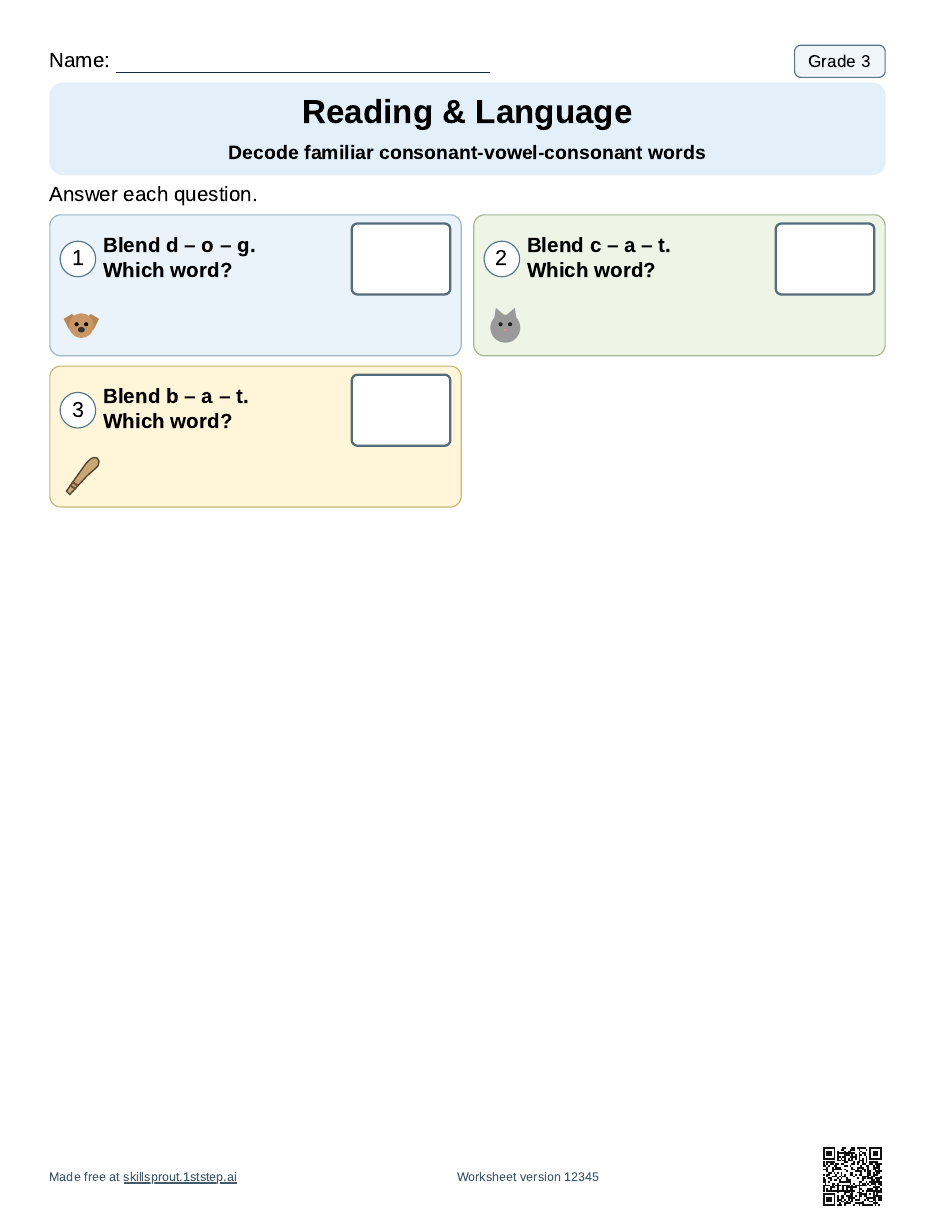
The Grade 3 Essential Element ELA.EE.RF.3.3 includes: "With models and supports, decode single-syllable words with common spelling patterns (consonant-vowel-consonant [CVC] or high-frequency rimes)." The Grade 3 CVC words worksheet asks a student to blend three sounds and write the word. Each question has a small picture next to it.
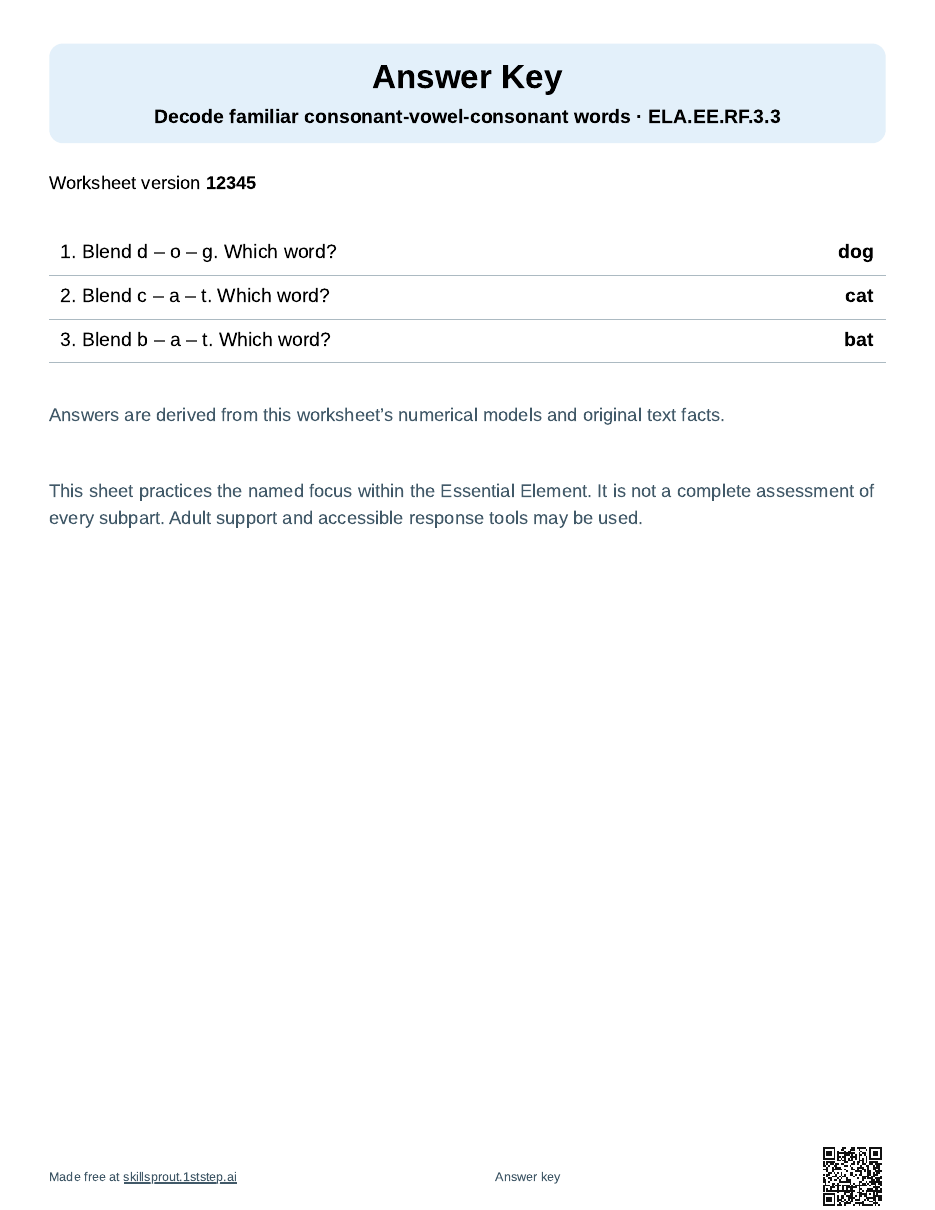
The answer key prints on its own page with the skill, the Essential Element code, and the worksheet version. On this version, the answers are dog, cat, and bat.
The blank recording sheet
The progress check sheet matches the skill check. This check has three questions, so the sheet has three item columns. Mark + or − for each question, then write the percent correct. There are eight rows, one for each session.
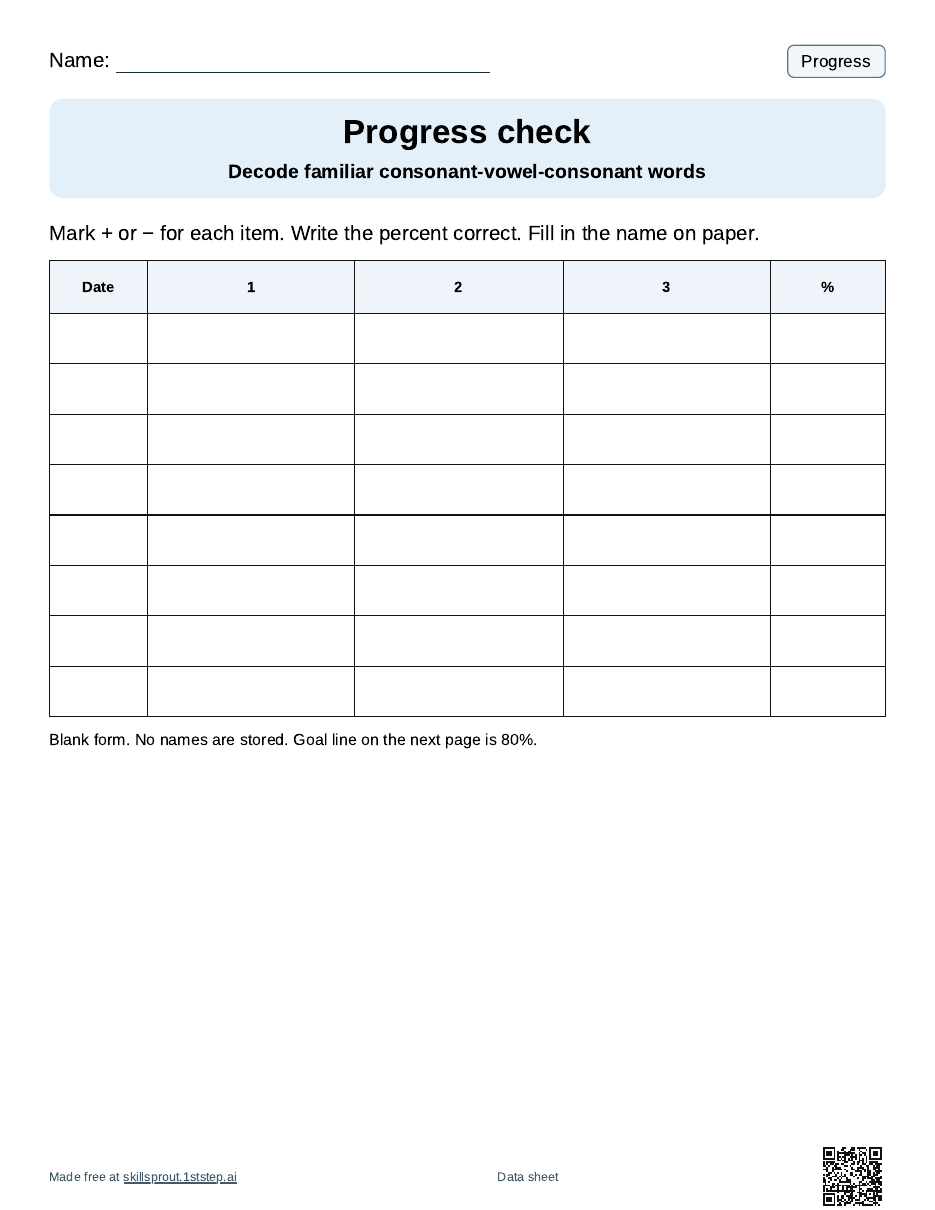
The name line prints blank. Fill in the name and any other details only on paper, following your school's procedures.
The blank progress graph
The second page is an empty graph. Sessions 1 to 8 go across and percent correct goes up, from 0 to 100. A dashed goal line is drawn at 80%. In the studio, that line is always at 80%, so if a goal uses a different level, draw your own line on the printed page.
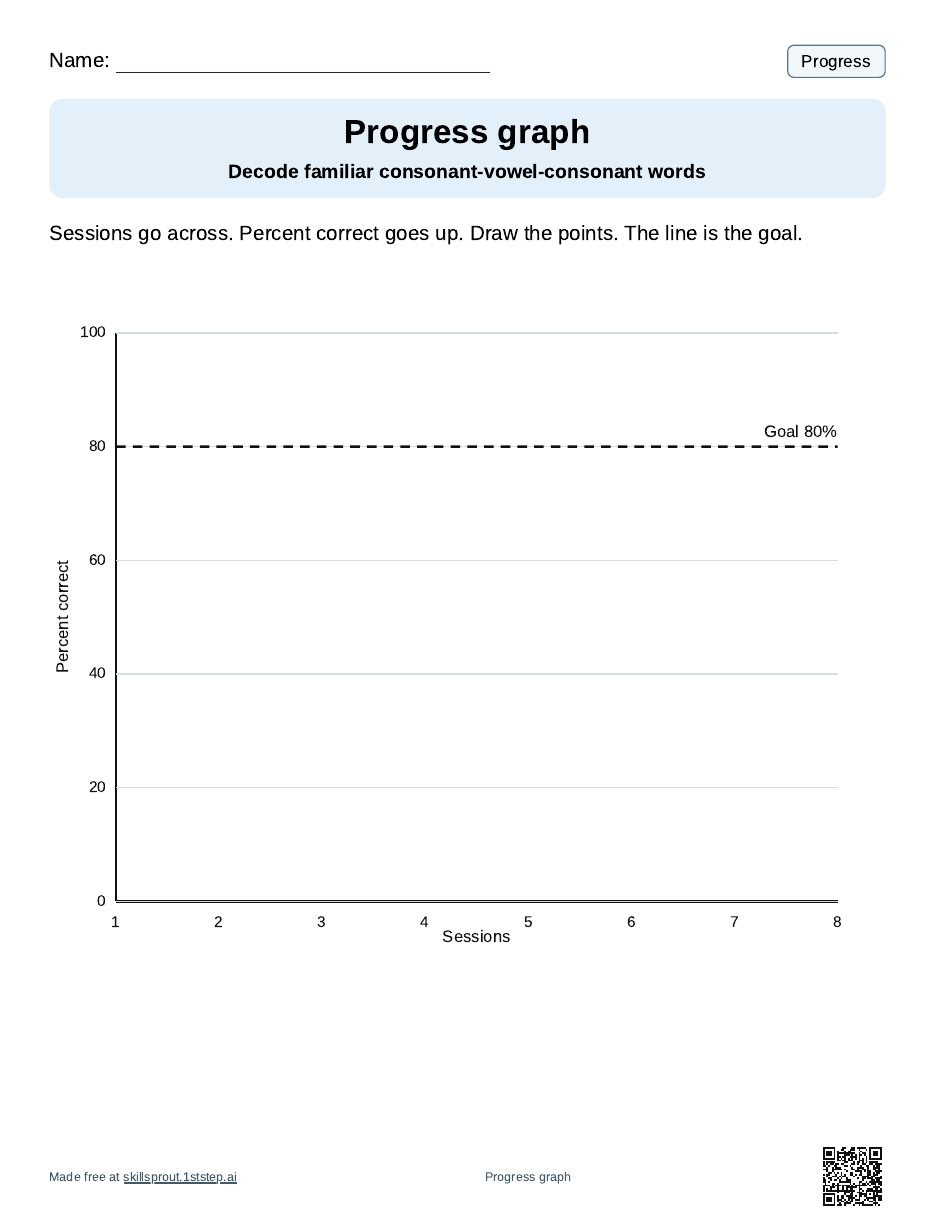
The graph only gives you a place to plot points by hand. It does not calculate trends, decide whether a goal was met, or write anything for a report.
Grade 1: the same idea for a math skill
The Progress check works the same way for math. The Grade 1 Essential Element M.EE.1.OA.5.a reads: "Use manipulatives or visual representations to indicate the number that results when adding one more." The Grade 1 find the next number worksheet shows a group of pictures and asks how many there are after adding one more.
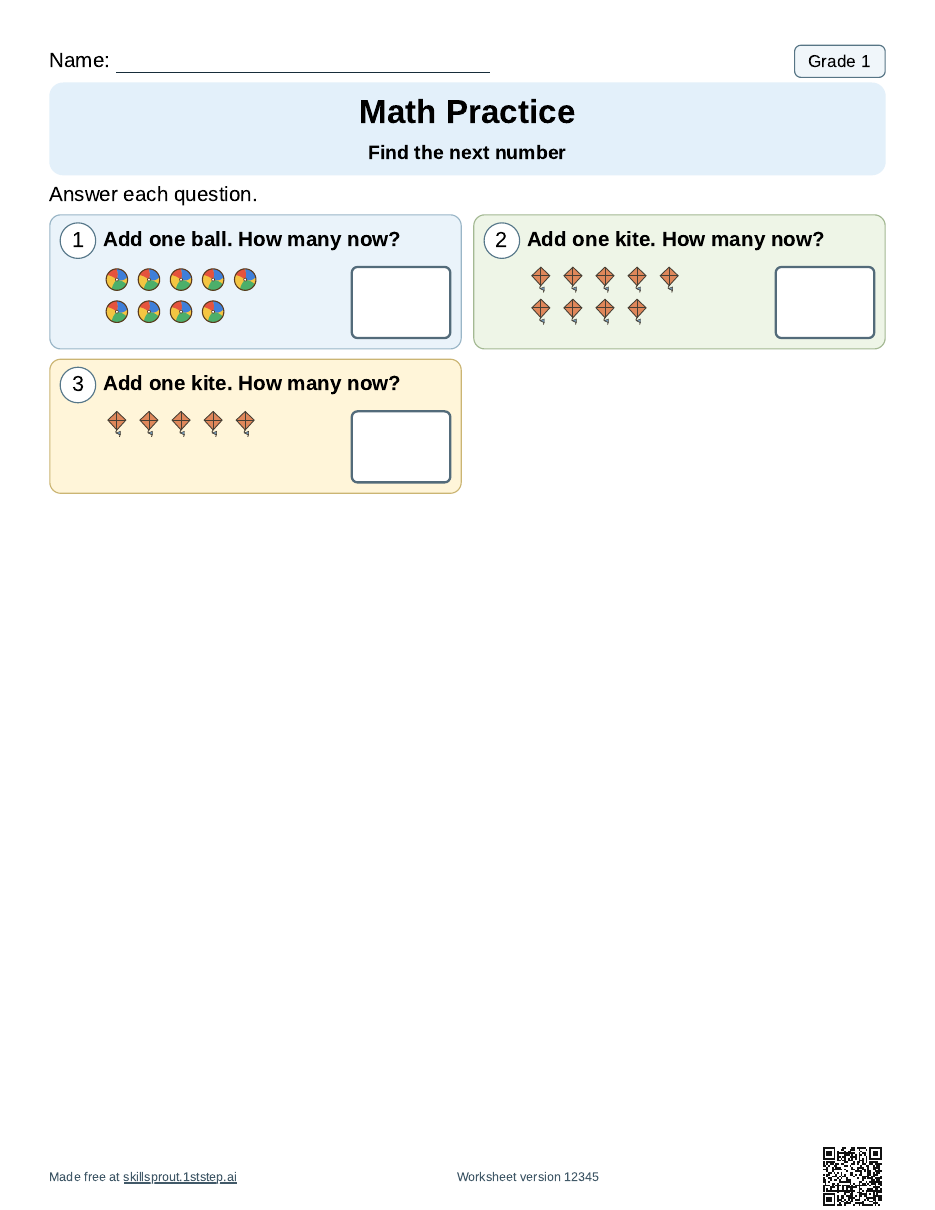
On this version, the groups are 9 balls, 9 kites, and 5 kites, so the answers are 10, 10, and 6. The recording sheet and graph print right after it, labeled with the same skill.
Ways to use it this week
- Same questions each time. Keep the worksheet version from the footer and enter it again later. The questions will be the same, so you can compare two sessions on the same items.
- New questions, same skill. Change the worksheet version number to get different questions for the same skill and format.
- One sheet per skill. Print a separate recording sheet and graph for each skill you track. Each one is labeled with the skill name at the top.
- Before the short week. If your school has a short week before Thanksgiving, a three-question check takes only a few minutes at the start of a small-group session.
- Other recording formats. If you take frequency or duration data instead of accuracy, the blank classroom data sheet maker prints a sheet with the number of rows and trials you choose.
How to print it
- Open the SkillSprout studio. The studio uses Google sign-in. The worksheet pages linked above are public to browse.
- Open Special education and choose the skill for your student's grade. Pick a response format, such as write-in or multiple choice.
- To print the exact sheets shown here, enter the worksheet version from the caption. Or keep your own number and write it down.
- Select Progress check, look over the preview, then print or download the PDF.
The studio does not ask for student names, diagnoses, goals, or scores. A skill check is a short practice page, not a complete assessment of a standard, and it does not replace the measures written in an IEP. Check each sheet against your student's goals before you use it, and use the data and decisions your team agrees on. SkillSprout is an independent tool and is not affiliated with Dynamic Learning Maps.