Classroom cooking day before Thanksgiving: measuring tool and fair share worksheets, plus cooking word cards
Thanksgiving is Thursday, November 26, 2026, so next week is a short one for most schools. In a lot of special education and life skills classrooms, that short week includes a cooking lesson: a no-bake snack, instant mashed potatoes, a snack mix, or a small class feast. Special education teacher blogs and visual recipe shops share Thanksgiving cooking activities each fall, and it is easy to see why: one recipe packs a lot into a lesson: requesting items, following steps, measuring, and sharing what you made.
SkillSprout does not make visual recipes. What it can print are the math and vocabulary pages that go around the cooking: a sheet about picking the right measuring tool, a sheet about sharing food equally between two groups, word cards for the tools and actions you will use, and a first/then board for the cleanup step.
These are plain practice pages. They do not have turkeys, pies, or other holiday art. The only pictures are the small apple and cookie icons the worksheet engine already has.
Before you cook: which tool do we use?
The Grade 3 Essential Element M.EE.3.MD.2 reads: "Identify the appropriate measurement tool to solve one-step word problems involving mass and volume." The Grade 3 choose a tool for mass or volume worksheet asks which tool you would use: a measuring cup, a scale, or a ruler.
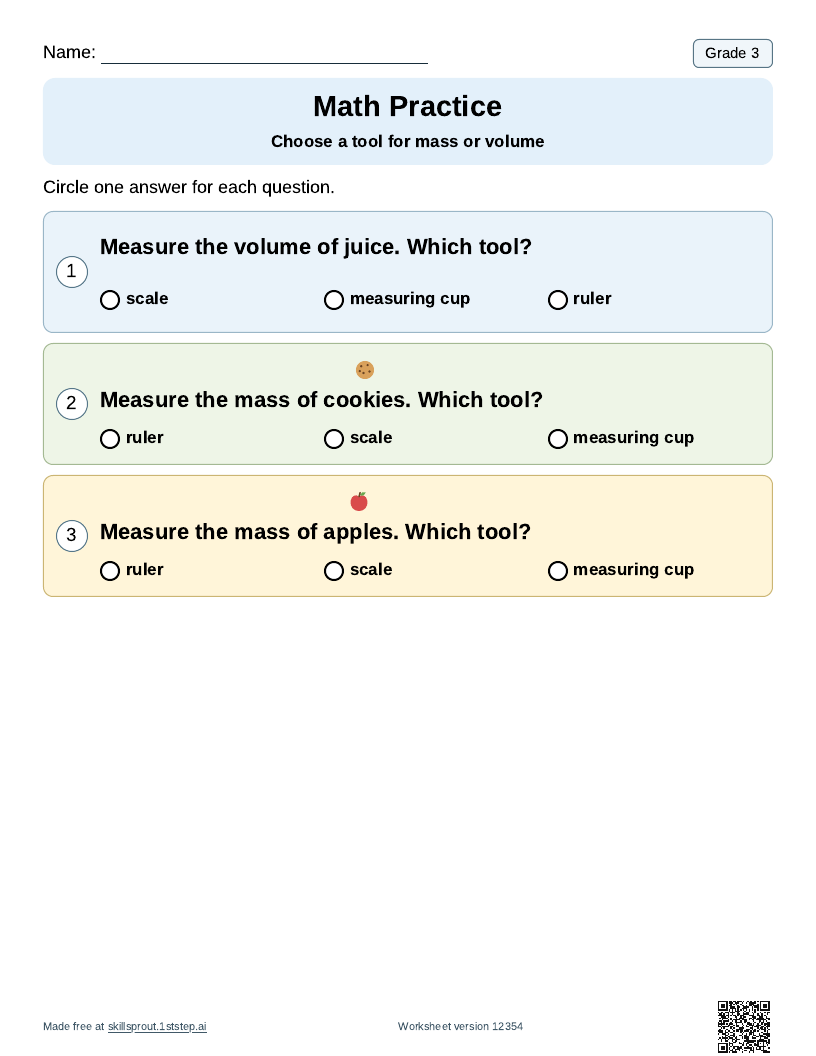
This version asks about the volume of juice and the mass of cookies and apples, which fits a lesson where you are about to measure real ingredients. The answer key prints on its own page after the student page.
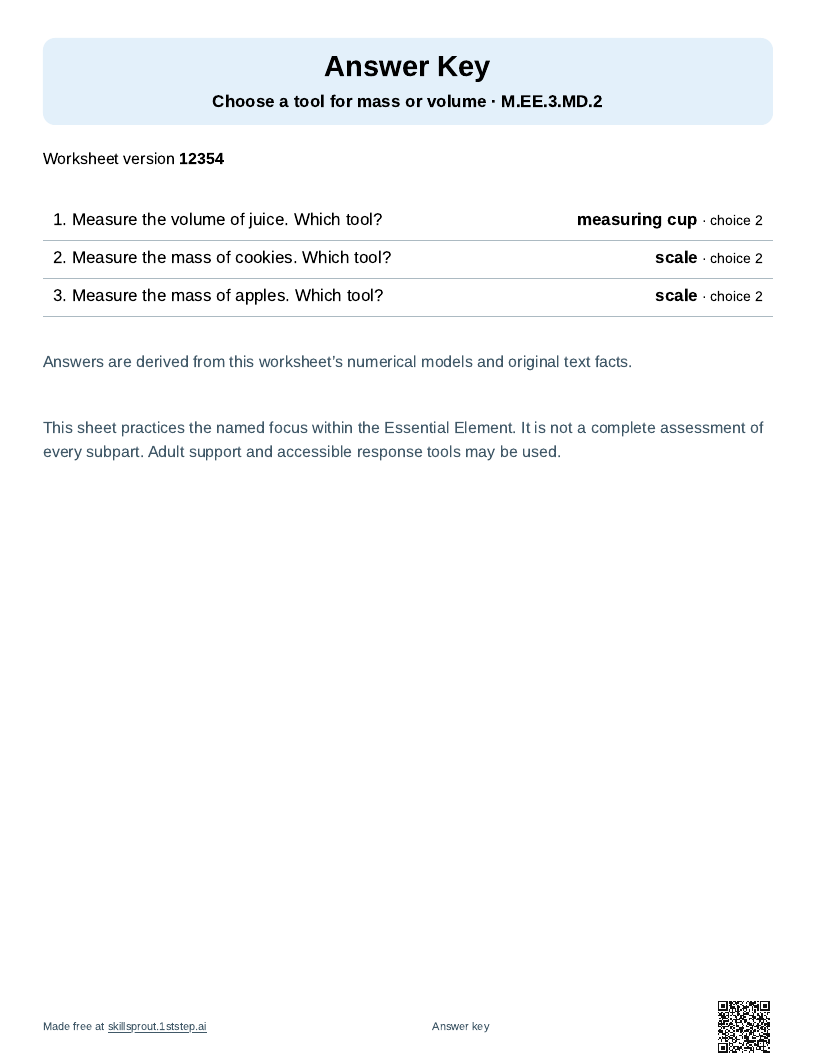
If you have a real measuring cup and a kitchen scale in the room, set them on the table next to the ruler before the sheet. Students can point to the real tool first, then circle the word.
After you cook: share it equally
The Grade 2 Essential Element M.EE.2.OA.3 reads: "Equally distribute even numbers of objects between two groups." The Grade 2 share an even set between two groups worksheet shows the objects to share and a box for how many each group gets.
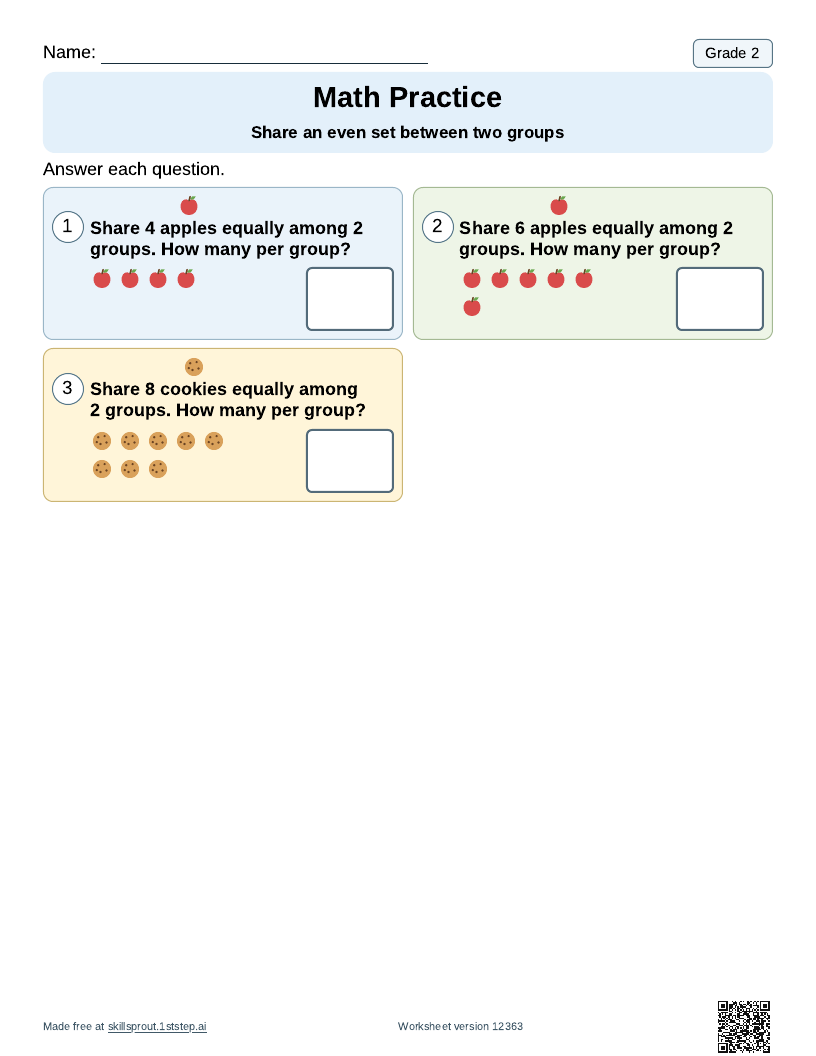
On this version, students share 4 apples, 6 apples, and 8 cookies between two groups. The answers are 2, 3, and 4, and the answer key prints after the student page. The pictures are printed in a row, not already split, so students do the sharing themselves. It works well right after snack time, with real crackers or apple slices on two plates.
Cooking word cards
The word card maker turns two to ten words you type into large cut-out cards, four to a page. A picture is added only when the word matches an icon SkillSprout already has. For this post we typed cup, spoon, bowl, scoop, pour, stir, apple, and cookie. Only apple and cookie have pictures, so the tool and action words print as text. The page below is the second of the two pages.
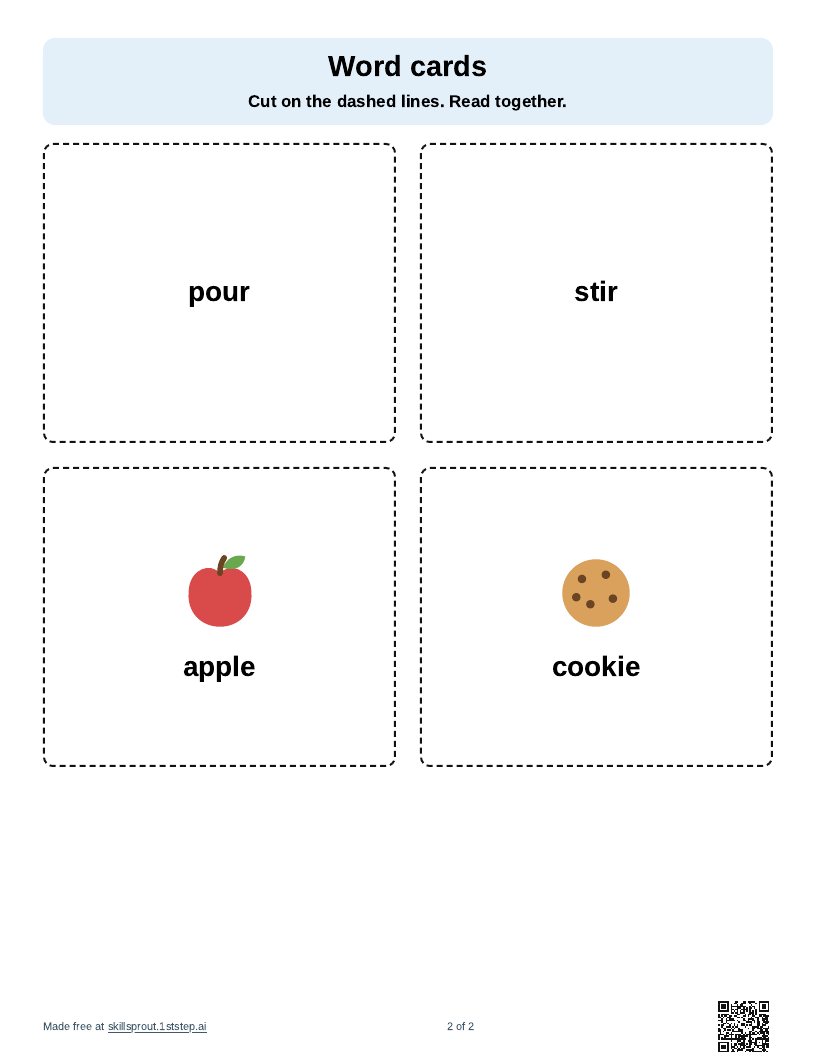
Tape a card next to each tool on the counter, or use them to request items during the recipe: "I need the spoon."
Read, copy, write the cooking words
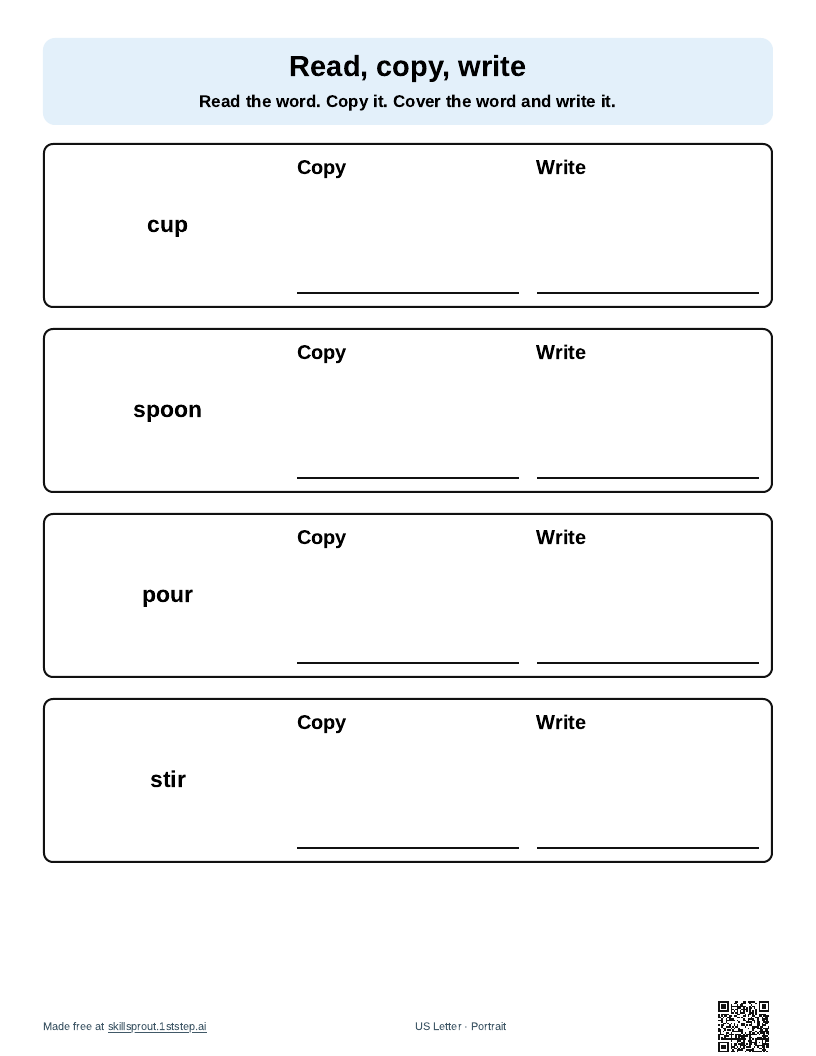
The same words also print as a read, copy, write worksheet. Each block shows the word, a space to copy it, and a space to write it again with the model covered.
First snack, then tidy up
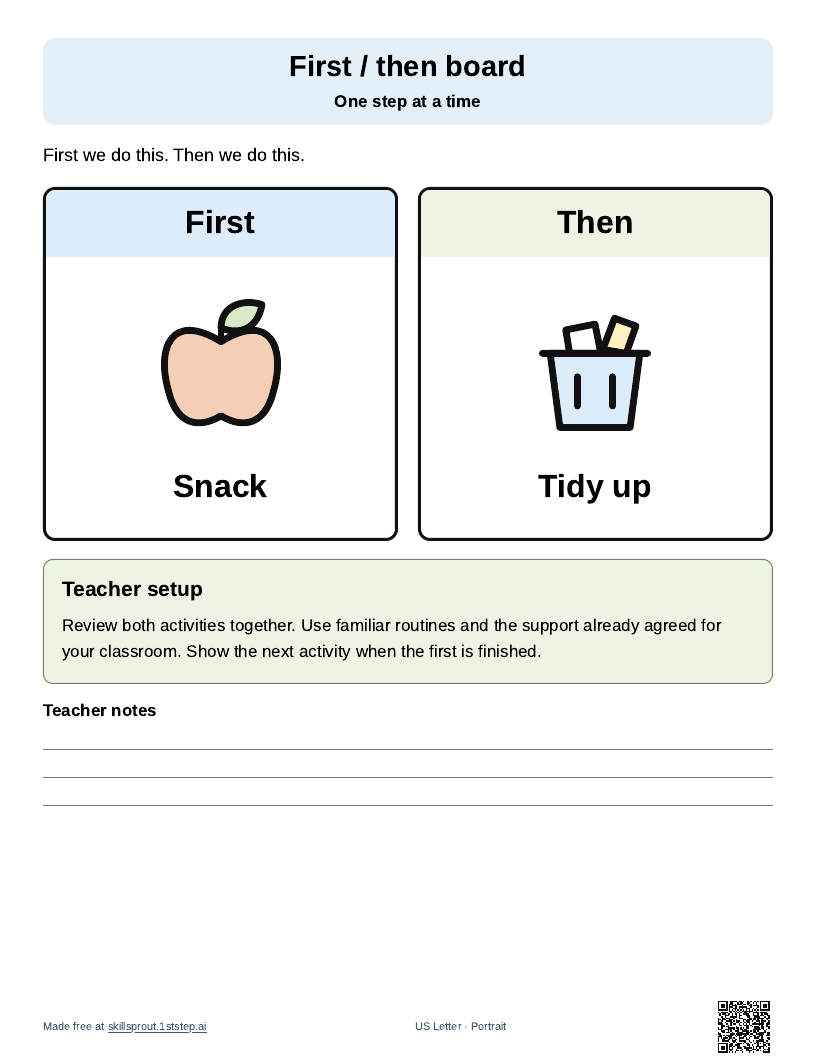
Cleanup is a real part of a cooking lesson, and it can be the hardest step to start. The first/then board maker prints two activities side by side. This one shows Snack first, then Tidy up.
A simple plan for cooking day
- Before cooking, do the measuring tool sheet with the real tools on the table.
- During cooking, keep the word cards next to the tools and use them for requests.
- At snack, share the food on two plates, then do the fair share sheet.
- Show the first/then board before snack so cleanup is already on the plan.
- Send the read, copy, write page home or keep it for the short week before break.
How to print them
- Open the SkillSprout studio. The studio uses Google sign-in. The worksheet and tool pages linked above are public to browse.
- For the worksheets, choose the Grade 3 measuring tool skill or the Grade 2 sharing skill, then set the number of questions and the response format.
- Keep the answer key on. To print the exact sheets shown here, enter the worksheet version from the caption, or keep your own number and write it down.
- For the word cards or read, copy, write page, type your own cooking words. For the first/then board, pick the two activities.
- Check the preview, then print or download the PDF.
The name line prints blank, and the studio does not ask for student names, diagnoses, or student work. Each worksheet page quotes the published Essential Element wording. A sheet practices one focus within a standard, so check it against your student's goals before you print. Always follow your school's food allergy and food-in-class rules for any cooking lesson. SkillSprout is an independent tool and is not affiliated with Dynamic Learning Maps.